Temple's launch-night crash: what a pre-order spike teaches every team
On this page
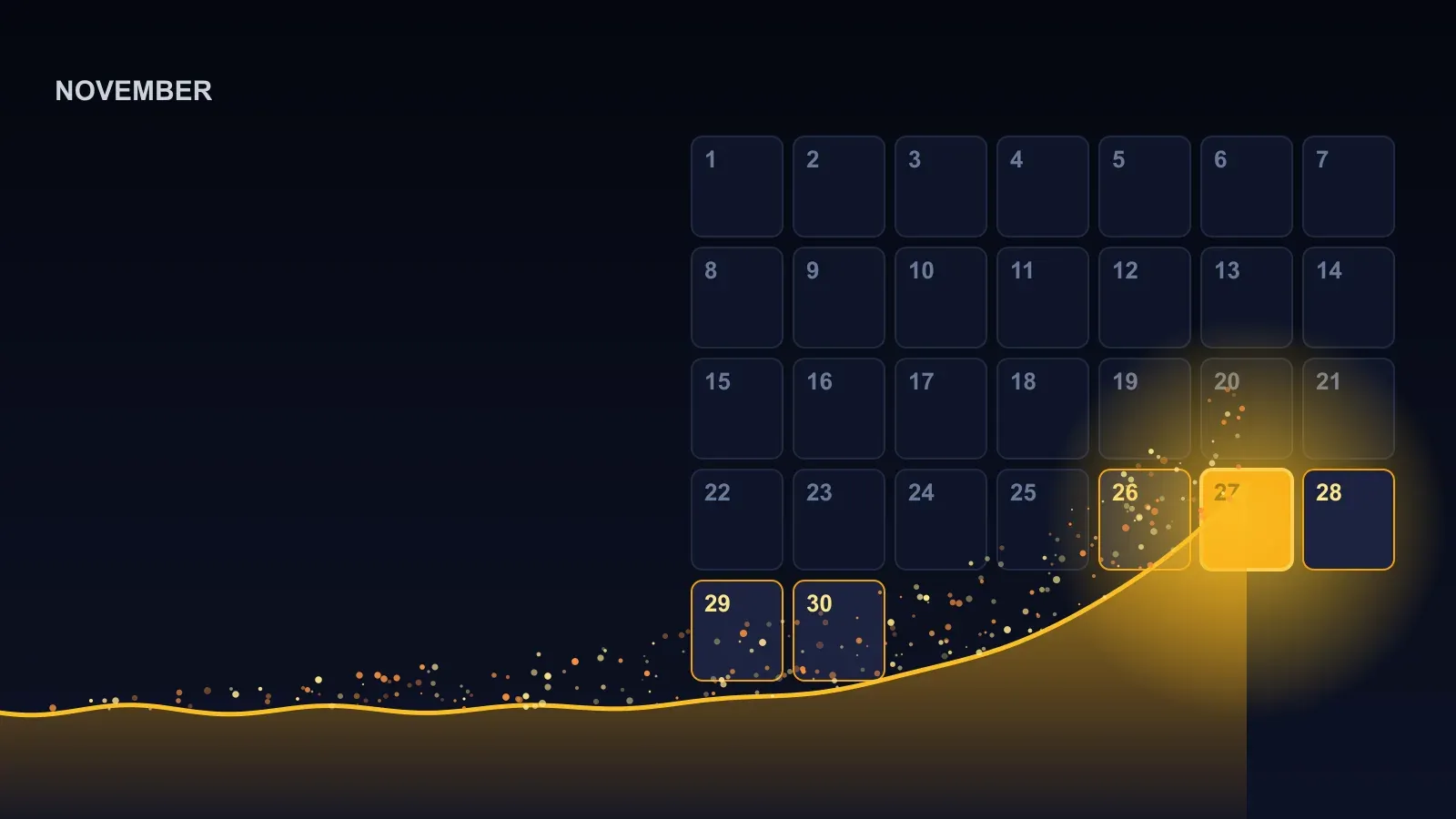
At 9:30 pm on Sunday 1 November, Deepinder Goyal posted that pre-orders for Temple were live and pointed people at the website and the app. Minutes later the website had stopped answering. The founder of Zomato, launching a ₹85,000 head-worn wearable to a crowd he had spent months building, watched the order page fold under the first wave of people who wanted to give him money.
What followed is the part worth studying. He posted again: too much traffic on the site, the team was trying to get on top of it, orders were working on the app. Later that night a third post: the website was back up, he hoped it would hold, and could people please not rush. In between, by Storyboard18’s account, he said the team had under-estimated the traffic and had no auto-scaling in place, and called it a rookie mistake.
Every launch team has a version of this night waiting for them. Temple’s happened in public, with a founder honest enough to name the cause, which makes it the most useful outage of the year for anyone who has a date circled on a calendar.
What actually broke
The failure was narrower than “the website crashed” suggests. Storyboard18 reported that the order landing-page handler failed because it had not been set up to scale. The rest of the ordering system behind it stayed up, which is why the app, which spoke to that system by a different route, kept taking orders the whole time. The front door jammed; the shop behind it was open.
That detail matters because it is the most common shape of a launch failure. Nobody builds a checkout that cannot handle a few thousand orders. Teams build one page, the one everyone has been told to visit, on an assumption about how many people arrive per second, and that assumption is set by the quiet weeks before launch when the page gets a few hundred visits an hour.
Pre-orders had opened the same evening in the US, the UK, Central Europe and the Gulf as well as India, so the crowd was not just one country refreshing. The company has not said how many people tried to reach the page or how many orders came in. Goyal, asked about numbers, said he did not know, and Hello Entrepreneurs characterised the figure as thousands.
Two things went right, and they are worth noticing before the lessons, because most launches that fail get neither. Orders never fully stopped, because the app was a second way in. And the person with the biggest audience said what was happening while it was happening, which took the edge off the refreshing.
Why a site that works every other day falls over at launch
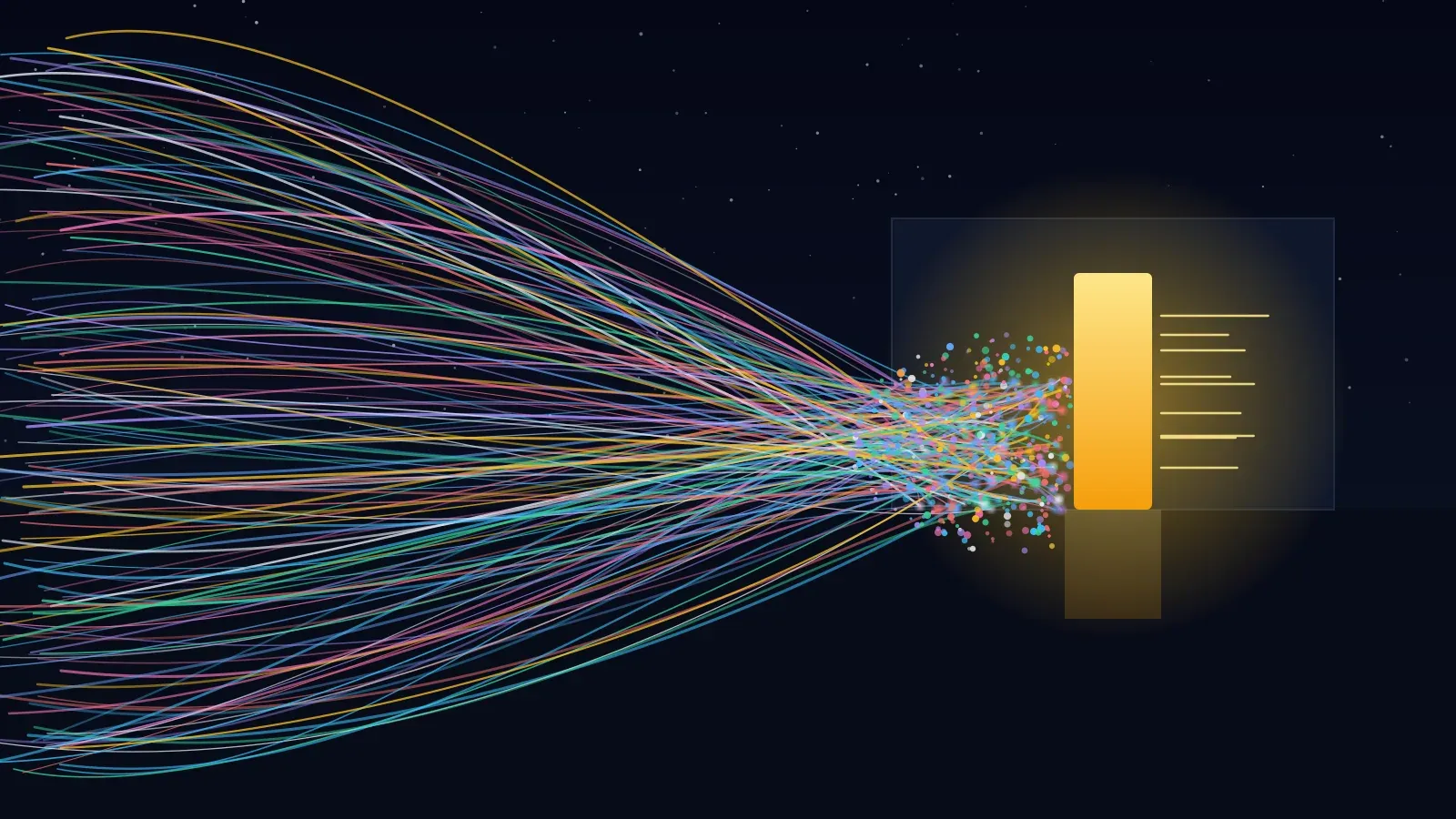
A normal Tuesday delivers its visitors across the whole day. A launch delivers them in the same few minutes, because you told them all the same time. The total number of people might be no higher than a good week; the number arriving in any given second is ten or a hundred times higher than the site has ever seen.
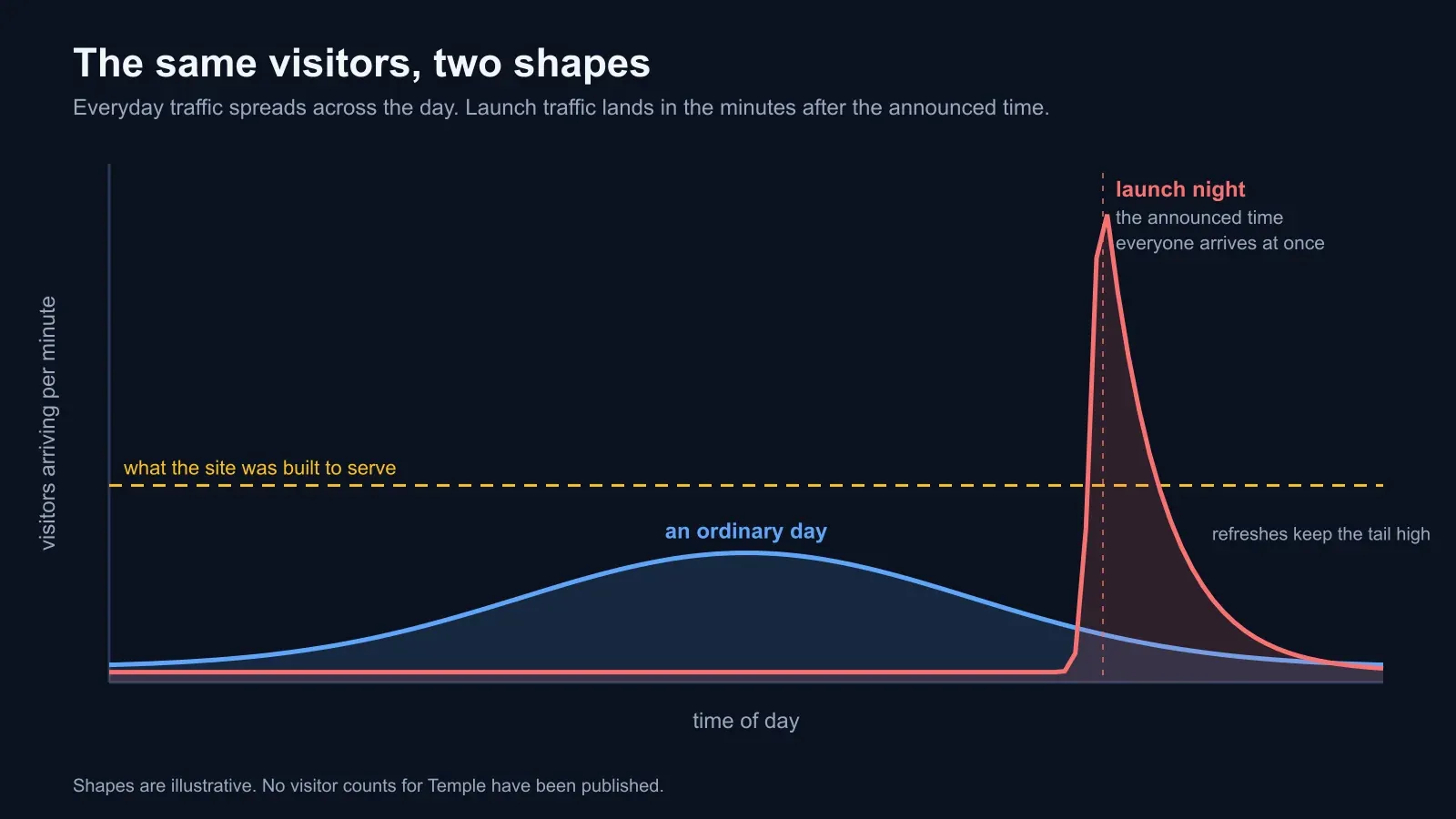
That changes which part fails first.
The pages everyone wants are the pages that cannot be cached. A home page or a product page can sit in a content delivery network and be served to almost any number of people at once. The pages that matter on launch night, sign-in, the order form, the payment step, are different for every visitor and touch the database on every request. Those are the ones that queue.
The database gives out before the servers do. Adding web servers helps only until all of them are waiting for the same database connections. A site in this state looks like it needs more servers. It needs more of whatever sits one layer down, and that is slower to add.
Auto-scaling reacts; it does not anticipate. It watches load rise, decides to add capacity, and starts new machines, which takes minutes. In a spike that peaks inside those minutes, the help arrives after the crowd. It is still worth having, for the surprises. For a spike you scheduled yourself, you raise capacity before the clock and let the automation handle whatever comes on top.
Third parties have limits too. Payment gateways, login providers and the service that sends the confirmation email all have their own ceilings and their own rate limits. Your site inherits every one of them, and none of them were in your load estimate.
Refreshing turns slow into down. When a page hangs, people press refresh. Each refresh is another request to a site already at its limit, so the queue grows faster than it drains. This is the mechanism that turns a sluggish two minutes into a dark half hour, and the only thing that breaks it is a page that tells people to wait, or a founder with 250,000 people reading his posts asking them not to rush.
None of this shows on a normal day. The only way to see it before launch is to build the crowd yourself and send it at your own site.
Five lessons from the night
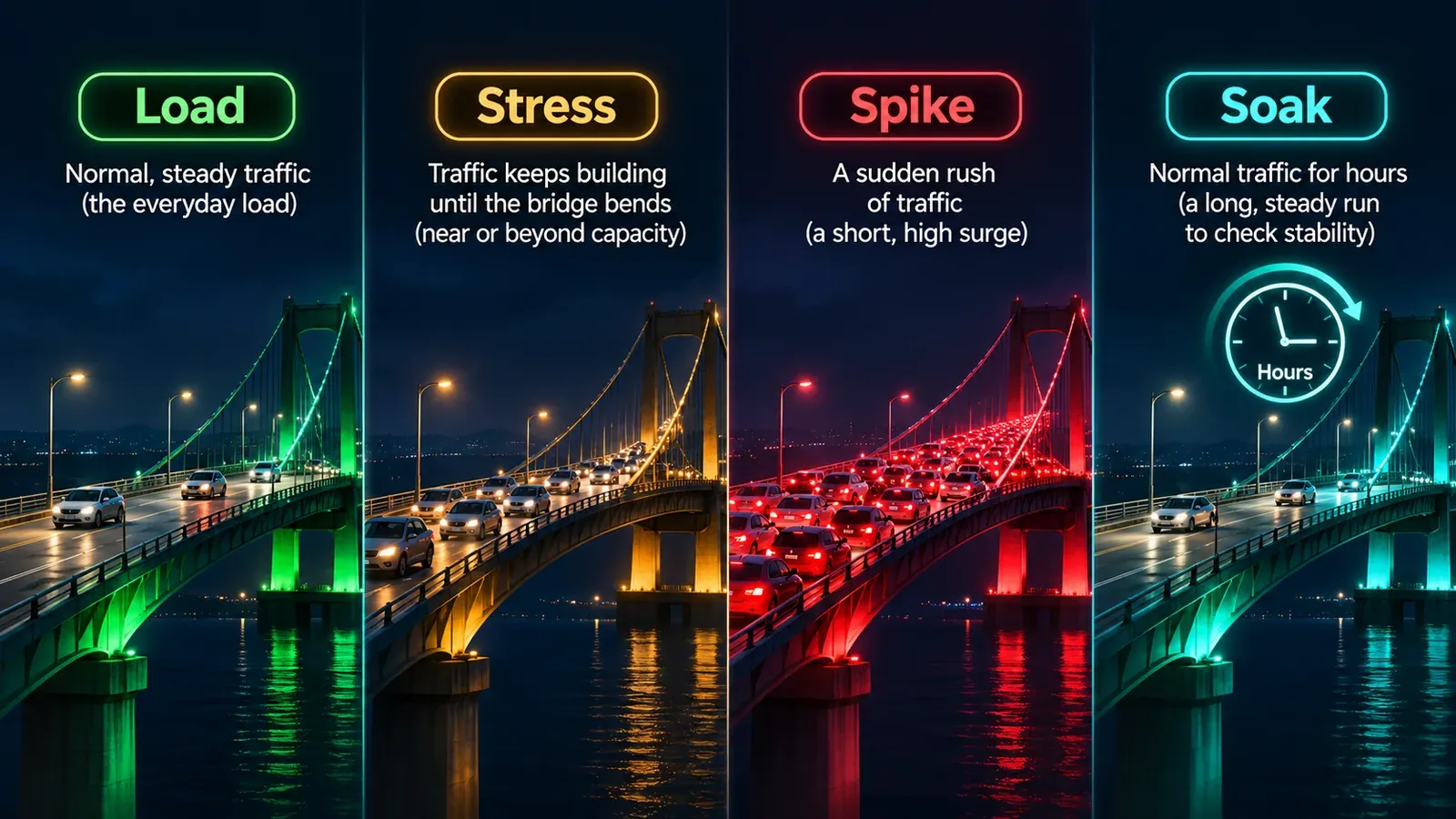
Know your two numbers. Every site has a traffic level where it starts to slow and a higher one where it starts to fail. Teams that have never measured either are guessing whether the launch fits underneath them. A load test at the traffic you expect gives you the first; a stress test that keeps climbing until something gives you the second. Our guide to load, stress, spike and soak testing sets out what each one measures.
Estimate the crowd, then double it. Take the waitlist, the followers, the reach of whoever is posting the announcement and any press that has the embargo time. Assume a share of them arrive in the first fifteen minutes. Whatever number you land on, test above it. A founder with a public profile pulls a first-hour crowd well beyond what the product’s own size would suggest, and Temple is the clearest example this year.
Scale before the clock, not after. An announced launch is a scheduled spike. Raise capacity an hour ahead, including the database tier and any connection pools, and lower it the next morning. Auto-scaling is for the traffic you did not plan; it is a poor plan for the traffic you invited.
Keep a second door open. Temple’s app saved the night. A separate order path, a lightweight form, a partner store, a waiting-room page that holds people’s places: any of these turns an outage into a delay. Decide in advance what a visitor sees when you are full. A calm “you are in the queue” page keeps buyers. An error page loses them and multiplies the load.
Watch from outside, and say what is happening. An external uptime check tells you the site is down before the replies do. A short public note, like Goyal’s, stops the refresh storm and buys the engineers the quiet they need. The teams that handle outages best have both ready before launch: the alert that wakes them, and the sentence they will post.
Where BCDRPulse comes into a night like this
The reason we built BCDRPulse is that nearly every launch-day failure we have seen was knowable the week before. The numbers existed. Nobody had gone and got them.
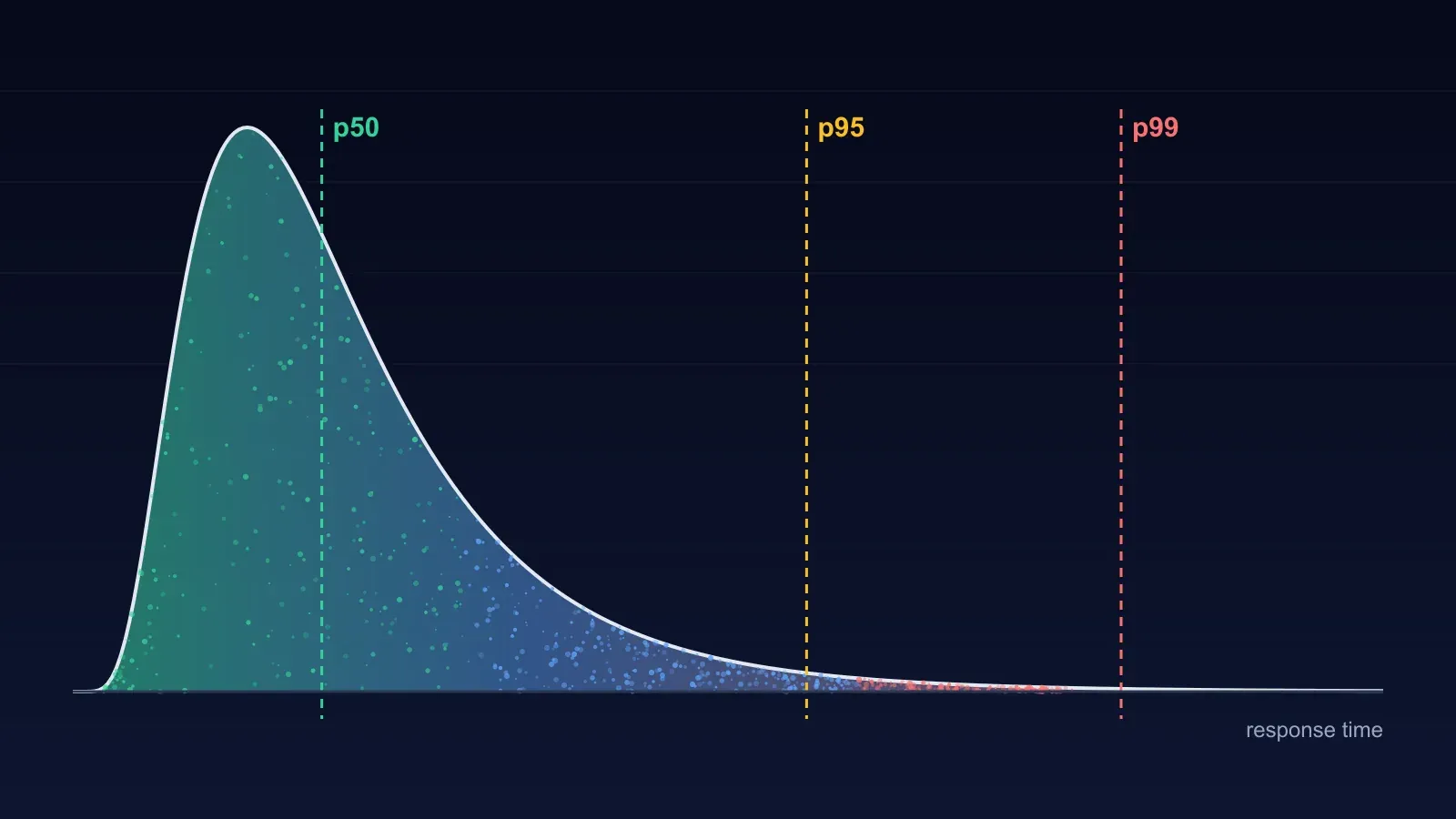
Getting them is a short afternoon’s work. You verify the domain by adding a DNS record, which is how we make sure nobody can point the platform at a site that is not theirs. Then you run a load test at the crowd you expect and read the result: response times at that level, the error rate, and the slowest requests rather than a flattering average. Then you run a stress test, which keeps raising the pressure until the site slows and then fails, and tells you where that happened and what it looked like, slow pages or hard errors. Those two reports are the two numbers from the first lesson. For a launch that could bring hundreds or thousands of people in the same minute, the cloud load and cloud stress tests on the Business plan run the same ideas from dedicated infrastructure at that scale, and the stress run also records how quickly the site recovers once the pressure lifts.
Once you are live, the free uptime monitoring does the watching from outside. It checks up to ten verified sites every five minutes on the Free plan and every minute on the paid ones, and sends an email or a webhook when a site stops answering and again when it comes back. On a launch night that alert reaches the engineer before the first angry reply does. A security scan the day before catches the certificate or header mistake that would otherwise sit on the most photographed page you will ever publish, and for teams that keep shipping after launch, continuous resilience reruns bounded load checks on a schedule so a slow decline after a deploy shows up as a trend rather than as the next outage.
Two limits, stated plainly. BCDRPulse tests sites you own and nothing else; the DNS check runs before any test does. And it loads your site as a whole. It does not script a step-by-step checkout journey, so if the order path is the thing you most need to protect, pair the platform’s results with your own walk through the checkout under load.
It also does not fix anything. It tells you where your limit is early enough to move it: add capacity, cache more, take a slow step out of the order path, or put a waiting room in front. On 1 November that information, a week earlier, would have been worth a great deal to one team in particular.
A launch-readiness checklist
Two weeks out:
- Estimate the first-fifteen-minute crowd from your waitlist, followers and press, and set a test target at double that
- Run a load test at that target and record response times and error rate
- Run a stress test until the site breaks; write down the breaking point and how it failed
- Fix the first limit you hit, then test again
One week out:
- Decide what visitors see when you are full: a waiting room, a queue page or a simple order form
- Confirm the second way to order works on its own, with its own path to the backend
- Ask your payment and login providers what burst they will accept
- Set up external uptime monitoring with alerts going to more than one person
Launch day:
- Raise capacity before the announced time, database included
- Have one person watching the monitor and another ready to post an update
- Lower capacity again once the crowd has passed
The bottom line
Temple’s night ended well by the standards of launch outages: the app kept selling, the site came back the same evening, and the founder told the truth about why. The lesson is not that the team should have had auto-scaling, though it should. The lesson is that the limit of that order page was a measurable fact for weeks before 1 November, and nobody measured it. A launch date is a promise to a crowd about when to arrive. The least a team can do is find out, in private, whether the door is wide enough.
Sources.
- 1. Storyboard18, Deepinder Goyal's Rs 85,000 Temple website crashed minutes after pre-orders opened: here's what happened (2 November 2026) (opens in a new tab) www.storyboard18.com
- 2. Hello Entrepreneurs, Temple pre-orders open to a flood of traffic, and the website briefly gives out (2 November 2026) (opens in a new tab) helloentrepreneurs.com
- 3. Business Today, Temple pre-orders go live: Deepinder Goyal says wearable outperforms Apple Watch in internal study (1 November 2026) (opens in a new tab) www.businesstoday.in
- 4. The420.in, Deepinder Goyal's ₹85,000 Temple wearable website crashes soon after pre-orders open (November 2026) (opens in a new tab) the420.in
Frequently asked questions.
Why did Temple's website crash on launch night?
Pre-orders opened at an announced time, 9:30 pm IST on 1 November 2026, and more people arrived at once than the site was built to serve. Deepinder Goyal said on X that the team had under-estimated the traffic and had no auto-scaling, and called it a rookie mistake. Storyboard18 reported that the order landing-page handler was the part that failed, while the rest of the ordering system kept working and the app continued to take orders. The company has not said how many people tried to reach the site.
Would auto-scaling alone have prevented the crash?
Probably not on its own. Auto-scaling adds capacity after load has already risen, and new servers take time to start, so in a spike that peaks within minutes the extra capacity often arrives after the worst of the crowd. For a launch at a known time the better move is to raise capacity beforehand and let auto-scaling cover the surprises. The database, payment gateway and login provider also need headroom, and auto-scaling web servers does nothing for those.
What is the difference between a load test and a stress test before a launch?
A load test runs the traffic you expect against the site and tells you how it behaves at that level: response times, error rate, the slowest requests. A stress test keeps increasing the traffic until the site slows and then fails, which tells you where the limit is and what failure looks like, slow pages or hard errors. Before a launch you want both numbers: proof that the expected crowd fits, and knowledge of how much margin sits above it.
How much traffic should I test for before a launch?
Start from the people who already know the date: your waitlist, your followers, the reach of whoever is announcing it, and any press lined up. Assume a share of them arrive in the first fifteen minutes, then test at roughly double whatever number you land on. Founders and brands with a large public following pull first-hour crowds well beyond what the product's size alone would suggest, as Temple showed.
What should visitors see when a site is full?
A page that tells them they are in a queue and that their place is held. A calm waiting room keeps buyers; a browser error or a spinning page sends them to refresh, and every refresh is one more request against a site that is already struggling. The waiting room has to be decided and built before launch day, because nobody designs one well at 9:45 pm with the founder posting updates.
Can I load test a website I do not own?
No. Sending heavy traffic at someone else's site can take it down and is illegal in many countries. Reputable testing platforms require proof of ownership before any test runs. BCDRPulse asks for a DNS record on the domain and will not start a load or stress test until it has been verified.
Published .
Founder, BCDRPulse
Founder of BCDRPulse. Enterprise backup and data protection since 2007, supporting Fortune 500 companies. Writes guides to keeping a site up, fast and secure, and to proving it.