AI agent traffic is changing how websites break: what the 2026 data shows and how to prepare
On this page
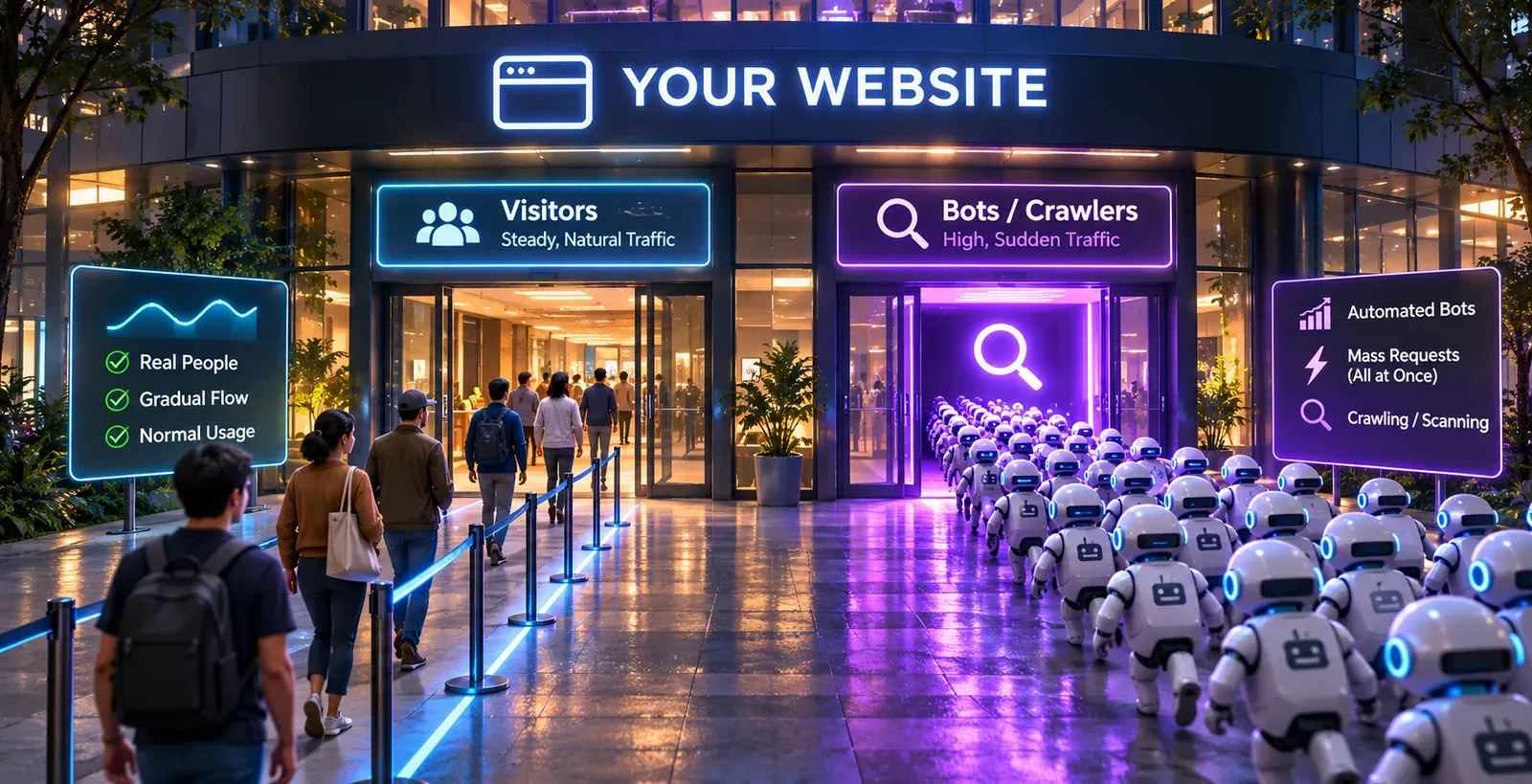
Your capacity plan was built for people. People arrive in daily waves, mostly land on a handful of popular pages, and get served from cache. AI agents do none of that. They arrive in bursts, ask for thousands of pages nobody else has requested this week, go straight for search and product endpoints, and increasingly look exactly like a normal Chrome browser.
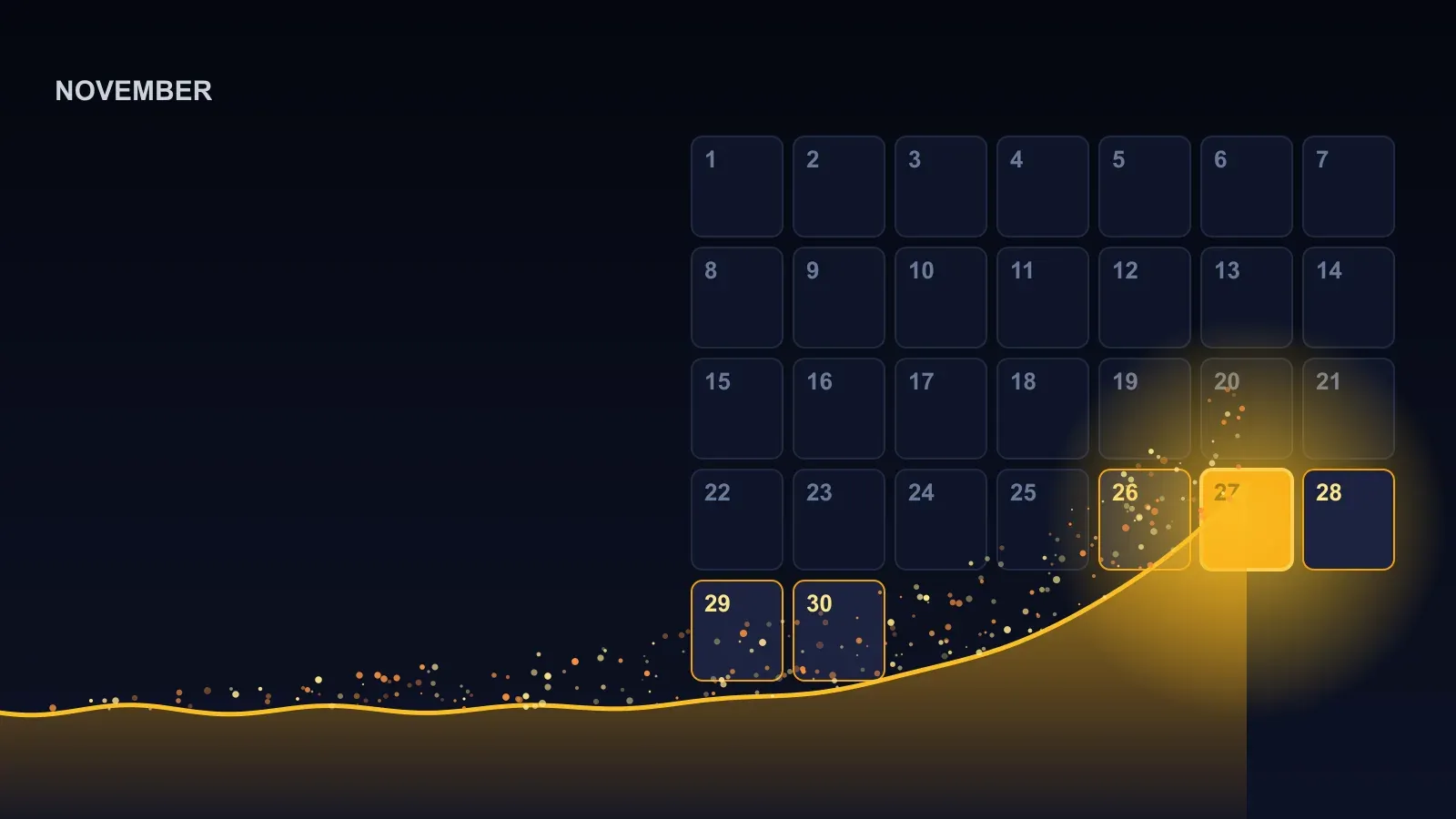
In 2026 that stopped being an edge case. DataDome counted nearly 25 billion AI agent requests across its customers’ sites in Q3 2026 alone, up 41.5% on the previous quarter. This article explains what has changed, why agent traffic breaks sites in ways human traffic doesn’t, and a seven-step plan to measure it, control it and test for it before it finds your weak spot for you.
What changed in 2026: the numbers
Every figure below comes from a vendor measuring its own network, not the whole internet. They don’t add up to one number, but they all point the same way.
| Finding | Source |
|---|---|
| Nearly 25 billion AI agent requests in Q3 2026, up 41.5% from 17.7 billion in Q2 | DataDome, Q3 2026 |
| Agentic browser requests jumped 4.7x in one month, from about 12.5 million in August to 58.2 million in September | DataDome, Q3 2026 |
| AI agent requests per day grew more than 1,700% in a year; more than half of the traffic Cloudflare sees is now non-human | Cloudflare, September 2026 |
| Automated traffic was more than 53% of all web traffic in 2025, ahead of humans (47%) | Thales Bad Bot Report 2026 |
| Traffic from AI agents and agentic browsers grew 7,851% in 2025 | HUMAN Security, March 2026 |
| E-commerce received 60.4% of agentic traffic in September 2026; 81% of it went to product and search pages | HUMAN Security, October 2026 |
| Commerce received 47.9% of all AI bot traffic in the second half of 2025 | Akamai, July 2026 |
Two things in that table matter more than the totals. First, the fastest-growing kind of AI traffic is no longer crawlers but agents: software that browses, clicks and fills in forms on behalf of a person. Second, that traffic concentrates on the pages that are most expensive to serve: search, product listings and product detail pages, not your cached homepage.
The three kinds of AI traffic (and why the difference matters)
“AI bots” is too broad to act on. Your policy, your caching and your tests should treat three groups differently.
| Type | What it does | Examples | Honours robots.txt? | Renders JavaScript? |
|---|---|---|---|---|
| Training crawlers | Collect pages to train or fine-tune models | GPTBot, ClaudeBot, Meta-ExternalAgent | The major vendors say yes | Generally no |
| Search and retrieval crawlers | Index pages so AI answers can cite them | OAI-SearchBot, Claude-SearchBot, PerplexityBot | The major vendors say yes | Generally no |
| User-directed agents and agentic browsers | Visit pages for a specific person, often in real time; may click, search, log in, add to cart | ChatGPT-User, ChatGPT agent, Claude in Chrome, Perplexity-User, Google-Agent, Meta Muse | Often not: OpenAI, Perplexity and Google say these fetchers may not or generally don’t follow it | Agentic browsers do |
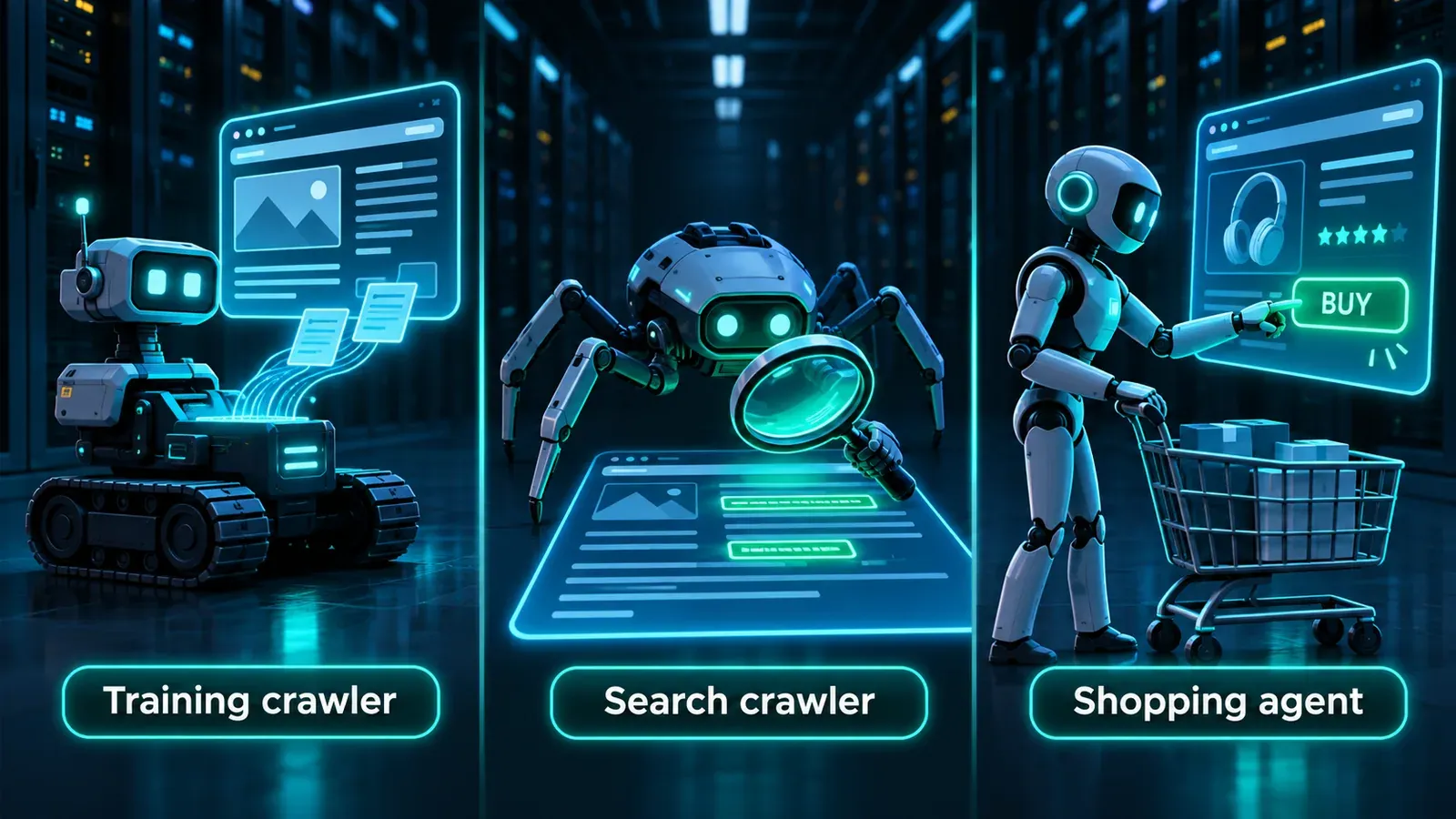
The third group is the one most capacity plans miss. A crawler fetches HTML and leaves. An agentic browser loads the full page with its scripts, runs your site search, opens product pages and sometimes walks through checkout, which is exactly what a human does, but driven by software that can open many sessions at once.
Why agent traffic breaks sites differently
1. It misses your cache
Human traffic is concentrated: a few pages get most of the visits, so a CDN can serve them from cache. AI crawlers are the opposite. Cloudflare and ETH Zurich found in April 2026 that crawler access is 70–100% unique URLs, which drags down the cache hit ratio and sends the misses to your origin servers. Wikimedia saw the same pattern in 2025: bots generated 65% of its most expensive traffic but only 35% of page views, because they asked for pages that weren’t in cache and had to come from the core data centre.
Capacity impact: your origin, not your CDN, absorbs the load. If your capacity plan assumes a 90% cache hit ratio, AI traffic quietly invalidates it.
2. It arrives in bursts
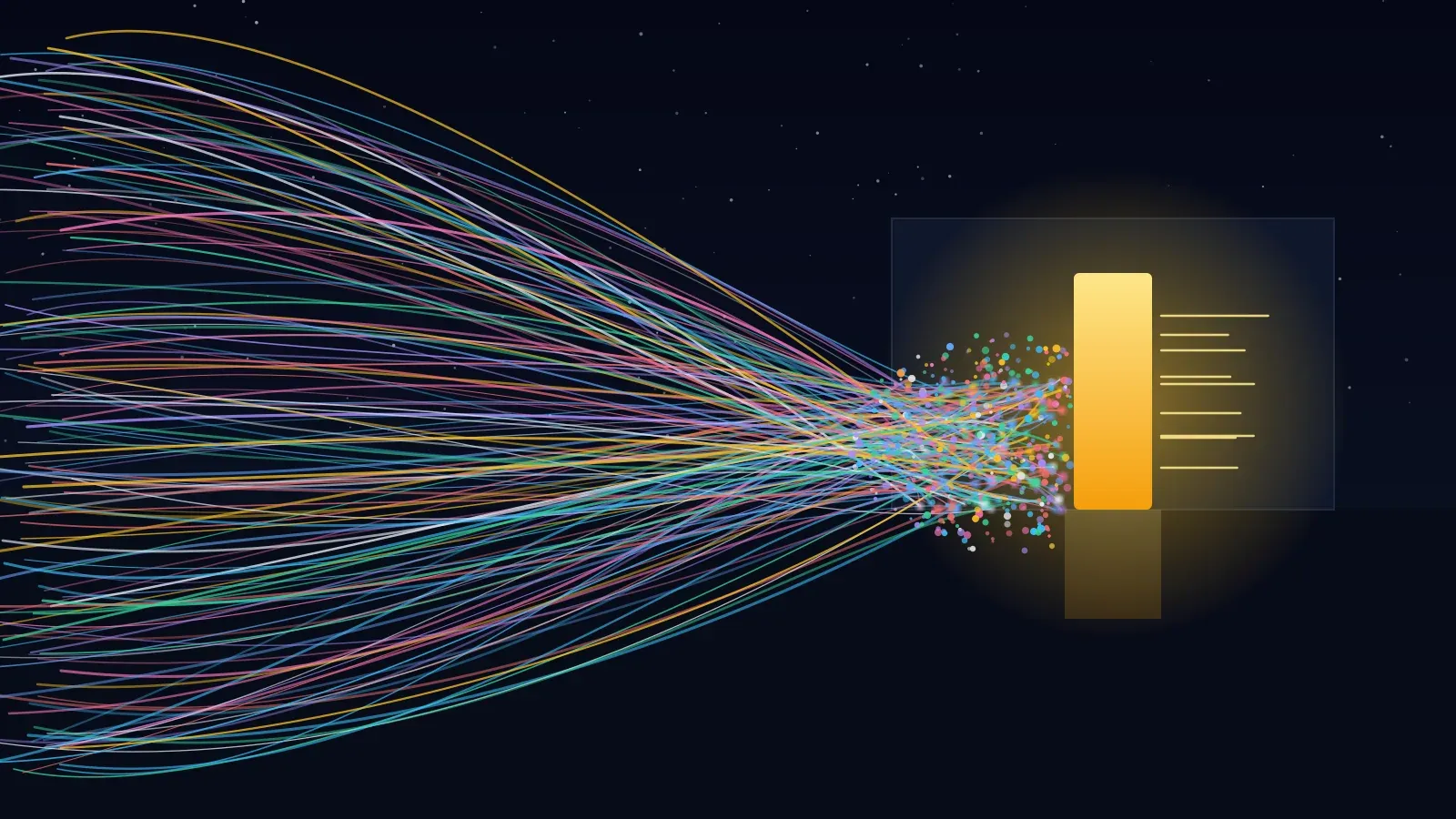
Agents fan out. One user request can trigger dozens of parallel fetches from cloud infrastructure. DataDome measured Meta’s Muse agent at 484,000 requests in a single two-hour window shortly after launch. Fastly reported AI fetchers peaking above 39,000 requests per minute against individual sites, and noted that this can look like a DDoS attack.
Capacity impact: autoscaling that reacts in minutes can lag a burst that peaks in seconds, and the queueing that follows hurts real customers too.
3. It goes straight for expensive endpoints
Search, filtering, faceted category pages, product availability checks, API calls: these hit the database and can’t be cached easily. HUMAN found that 81% of agentic traffic in September 2026 went to product and search routes. SourceHut, a code-hosting service, described crawlers hammering its most expensive pages, such as git blame and logs, causing dozens of brief outages a week.
Capacity impact: a few thousand uncached search queries can cost more database time than hundreds of thousands of cached page views.
4. Much of it doesn’t say who it is
Rate limits keyed on user-agent strings only work when bots are honest. DataDome reports that Meta’s Muse did not identify itself as an AI agent and came 99.3% from cloud and CDN networks. Cloudflare documented Perplexity running undeclared crawlers with a generic Chrome-on-macOS user agent and rotating IP addresses. DataDome’s earlier 2026 report estimated that 80% of AI agents don’t properly identify themselves.
Capacity impact: you can’t rely on blocking or throttling by name. Protection has to work on behaviour (request rate, path, session shape) as well as identity.
5. It wastes requests on pages that don’t exist
Vercel found that around 34–35% of GPTBot and ClaudeBot fetches hit 404 pages, against about 8% for Googlebot. Every one of those still costs a routing decision and often an origin lookup.
This has already taken real sites down
- Triplegangers, a seven-person e-commerce company, was knocked offline in January 2025 when OpenAI’s crawler hit its 65,000+ product pages from more than 600 IP addresses.
- Read the Docs found that one crawler downloaded 73 TB in May 2024, about 10 TB of it in a single day, costing more than $5,000 in bandwidth. Blocking AI crawlers cut its daily downloads by 75%.
- iFixit reported ClaudeBot hitting its servers about a million times in 24 hours in July 2024.
None of these sites were under attack in the usual sense. They were simply serving traffic their capacity plans never imagined.
Don’t block it all: agents are becoming customers
The tempting response is to block every AI bot. That is increasingly expensive, because a growing share of this traffic is people shopping and researching through an assistant.
- Salesforce reported in September 2026 that agentic search as the first step in a shopping journey grew 200% year on year.
- Adobe measured AI-referred traffic to US retail sites up 693% year on year over the 2025 holiday season.
- Salesforce estimated that AI and agents influenced about $262 billion, roughly 20% of global online holiday sales in 2025.
Blocking search crawlers can remove you from AI answers. Blocking user-directed agents can turn away a buyer at the moment they’re ready to purchase. The goal isn’t to stop AI traffic. It’s to serve the traffic you want cheaply, and stop any single source from degrading the site for everyone else.
A seven-step readiness plan
Step 1: Measure what you actually receive
Before changing anything, find out how much AI traffic you get and where it goes.
- Group your logs or CDN analytics by user agent and match against the vendors’ published IP lists (OpenAI, Anthropic, Google and Perplexity all publish them).
- Break traffic down by path, not just by total. The question is how much of your search, product and API traffic is automated.
- Track cache hit ratio for bot traffic separately from human traffic. Bloomreach also recommends separating bot and human analytics, or conversion rates and dashboards become misleading.
- Look for unidentified bursts from cloud and CDN IP ranges: that is where undeclared agents hide.
Step 2: Set a policy by purpose, not by name
Decide, for each of the three groups, what you allow and where. A sensible starting point for most commercial sites:
| Traffic type | Default | Where to be stricter |
|---|---|---|
| Search and retrieval crawlers | Allow, so you can be cited in AI answers | Rate-limit if they hammer one section |
| Training crawlers | Your business decision: allow, or opt out of training | Opt out on premium or paywalled content |
| User-directed agents | Allow on browsing and product pages | Rate-limit search, cart and login; require normal authentication for checkout and accounts |
If you use Cloudflare, check your settings now. On 15 September 2026, Cloudflare split its AI bot controls into three: Search, Training and Agent. It also changed what “Block” means: Block and “Block on pages with ads” now apply to mixed-use crawlers such as Googlebot, Bingbot and Applebot, so they affect normal search as well as AI. To stop training while staying in search, Cloudflare points to its new Disallow AI Training option instead. New domains that run ads now default to blocking agents on pages with ads. A setting chosen months ago may not mean what it meant then.
Step 3: Protect your expensive endpoints
This is where most of the risk sits, and most of the fixes are standard engineering:
- Rate-limit before the database. Put limits on site search, filtering and availability APIs per client and per IP range, not just globally.
- Cache what’s safe to cache. Bloomreach suggests caching anonymous category pages for 15 to 60 minutes. Even a short cache on listing pages turns repeated agent sweeps into cache hits.
- Collapse duplicate requests so a burst for the same uncached page triggers one origin fetch, not hundreds.
- Keep cache keys clean. Strip tracking parameters and normalise the order of query parameters, so trivial URL variations don’t each miss the cache.
- Consider a separate cache tier or queue for crawler traffic, as Cloudflare and ETH Zurich recommend, so crawl sweeps can’t evict the pages your human visitors need.
Step 4: Stop paying for 404s and redirect chains
Find the non-existent URLs bots keep requesting (old sitemaps, guessed paths, broken internal links) and answer them as cheaply as possible, ideally at the edge. Fix redirect chains, which multiply every wasted request.
Step 5: Verify identity where you can
Prefer signals that can’t be faked by copying a header:
- Match claimed crawlers against published IP ranges before giving them special treatment.
- Look for signed requests. Cloudflare reports that OpenAI, Google and AWS sign their agents’ requests with Web Bot Auth, a cryptographic standard that the IETF is still working on.
- Treat anything that claims to be a well-known bot from the wrong network as suspicious.
Step 6: Load test the shapes agents create
Most load tests simulate a steady crowd browsing popular pages. That’s the traffic you already handle well. Add scenarios that look like agent traffic:
| Scenario | What it simulates | What to watch |
|---|---|---|
| Burst fan-out | Hundreds of concurrent sessions arriving within seconds on search and product pages | p95/p99 response time, error rate, how long autoscaling takes to catch up |
| Cache-miss sweep | Many distinct, rarely visited URLs requested in quick succession | Origin CPU and database load, cache hit ratio, response time of cached pages for everyone else |
| Sustained crawl | Steady, moderate pressure for hours | Memory growth, connection pools, slow degradation (a soak test) |
| Stress past the limit | Traffic increased until the site degrades | Where it breaks, how it fails (errors or timeouts), and how quickly it recovers when load drops |
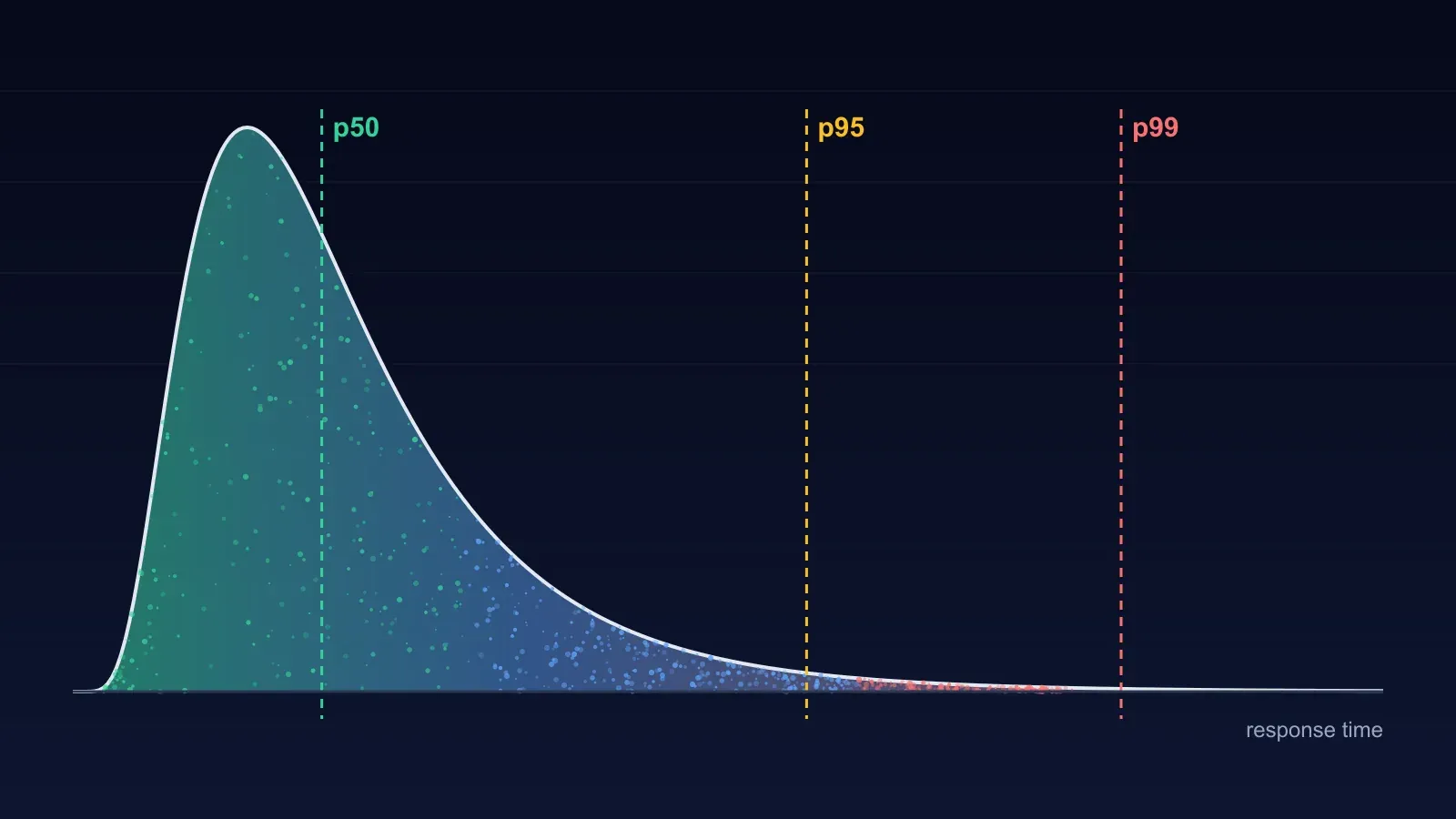
Two numbers matter most. Tail latency (p95 and p99), because averages hide the slow requests that real users feel during a burst. And recovery time, because a site that slows down under a burst and recovers in 30 seconds is in a very different position from one that needs a restart.
Run tests against a production-like environment, or carefully against production at a quiet time, and always against systems you own.
Step 7: Monitor and re-test on a schedule
Agent behaviour is changing month to month: DataDome’s figures show one new agent going from zero to a third of all agentic browser traffic in nine days. Re-test after every major change to your stack or caching, and on a regular schedule, so a new agent’s arrival shows up as a dip in a dashboard rather than an outage.
How to run these tests with BCDRPulse
BCDRPulse runs the tests in Step 6 and turns each run into a graded report, with a written summary of what slowed down and why.
- Load testing and Cloud load testing simulate concurrent visitors against your verified site and report response times and throughput, from edge-scale checks up to hundreds of concurrent users from cloud infrastructure.
- Stress testing and Cloud stress testing raise the pressure until the site degrades, then show how it fails and how it recovers once the load lifts.
- Continuous resilience reruns checks on a schedule, so you see whether the site still holds up as traffic patterns and your own code change (Step 7).
BCDRPulse only tests sites you’ve verified you own, through a DNS record. That rule keeps testing safe and makes sure nobody can point the platform at someone else’s site. Edge load and stress testing are on the Pro plan; cloud-scale tests and continuous resilience are on Business. See pricing for details.
The bottom line
AI agent traffic isn’t a future problem or a security curiosity. It’s a new traffic shape, already measured in tens of billions of requests a quarter, that skips your cache, bursts without warning, goes straight for your most expensive pages and often doesn’t say who it is. And a growing share of it is your customers.
The sites that handle it well won’t be the ones that block everything. They’ll be the ones that measured their traffic, set a policy by purpose, protected their expensive endpoints, and tested the shapes agents create before an agent tested them first.
Sources.
- 1. DataDome, The AI Traffic Report Q3 2026 (15 October 2026) (opens in a new tab) datadome.co
- 2. DataDome, AI traffic report (January–February 2026) (opens in a new tab) datadome.co
- 3. Cloudflare, The agentic web (30 September 2026) (opens in a new tab) blog.cloudflare.com
- 4. Cloudflare, Accountable mixed-use AI crawlers (15 September 2026) (opens in a new tab) blog.cloudflare.com
- 5. Cloudflare, Rethinking cache for AI and humans (2 April 2026) (opens in a new tab) blog.cloudflare.com
- 6. Cloudflare, Perplexity is using stealth, undeclared crawlers (4 August 2025) (opens in a new tab) blog.cloudflare.com
- 7. Thales, 2026 Bad Bot Report press release (29 April 2026) (opens in a new tab) cpl.thalesgroup.com
- 8. HUMAN Security, September 2026 agentic traffic (5 October 2026) (opens in a new tab) www.humansecurity.com
- 9. HUMAN Security, 2026 State of AI Traffic & Cyberthreat Benchmark Report (26 March 2026) (opens in a new tab) www.humansecurity.com
- 10. Akamai, Commerce becomes the epicenter for AI bot attacks (15 July 2026) (opens in a new tab) www.akamai.com
- 11. Fastly, AI crawlers make up almost 80% of AI bot traffic (19 August 2025) (opens in a new tab) www.fastly.com
- 12. Vercel, The rise of the AI crawler (17 December 2024) (opens in a new tab) vercel.com
- 13. Read the Docs, AI crawlers need to be more respectful (25 July 2024) (opens in a new tab) read-the-docs-website.readthedocs-hosted.com
- 14. Drew DeVault (SourceHut), Please stop externalizing your costs directly into my face (17 March 2025) (opens in a new tab) drewdevault.com
- 15. TechCrunch, How OpenAI's bot crushed a seven-person company's website (10 January 2025) (opens in a new tab) techcrunch.com
- 16. TechCrunch, AI crawlers cause Wikimedia Commons bandwidth demands to surge 50% (2 April 2025) (opens in a new tab) techcrunch.com
- 17. Salesforce, Agentic search grows 200% as purchase journeys start in AI chats (30 September 2026) (opens in a new tab) www.salesforce.com
- 18. Salesforce, 2025 holiday shopping data (opens in a new tab) www.salesforce.com
- 19. Adobe, 2025 holiday shopping season results (January 2026) (opens in a new tab) news.adobe.com
- 20. OpenAI, Overview of OpenAI crawlers (opens in a new tab) developers.openai.com
- 21. Anthropic, Does Anthropic crawl data from the web, and how can site owners block the crawler? (opens in a new tab) support.claude.com
- 22. Perplexity, Perplexity crawlers (opens in a new tab) docs.perplexity.ai
- 23. Google, User-triggered fetchers (opens in a new tab) developers.google.com
- 24. Bloomreach, Your traffic just got a lot more complicated (11 August 2026) (opens in a new tab) www.bloomreach.com
Frequently asked questions.
What is AI agent traffic?
It is any request made by AI software rather than a person in a browser. It falls into three groups: training crawlers that collect pages to build models, search crawlers that index pages for AI answers, and user-directed agents or agentic browsers that visit, click and fill in forms on a person's behalf. The third group grew fastest in 2026.
How much of website traffic is now bots?
Thales's 2026 Bad Bot Report found that automated traffic made up more than 53% of web traffic in 2025, overtaking humans for the second year running. Cloudflare said in September 2026 that more than half of the traffic it sees is now non-human. The share on your own site can be very different, so measure it.
Do AI agents respect robots.txt?
Training and search crawlers from the major vendors (OpenAI's GPTBot and OAI-SearchBot, Anthropic's ClaudeBot and Claude-SearchBot, PerplexityBot) say they honour robots.txt. User-directed fetchers often don't: OpenAI says robots.txt rules may not apply to ChatGPT-User, Perplexity says Perplexity-User generally ignores it, and Google says its user-triggered fetchers generally ignore it.
Should I block AI bots?
Block by purpose, not wholesale. Blocking search crawlers can remove you from AI answers, and blocking user agents can turn away people who are trying to buy from you. Many sites allow search and agents, decide separately on training, and rate-limit expensive endpoints for everyone. If you use Cloudflare, note that since 15 September 2026 its Block setting also stops Googlebot and Bingbot.
Why does AI traffic slow my site down when the request count looks small?
Because each request is expensive. Crawlers ask for many unique URLs, so most requests miss the cache and hit your origin servers. Agents also go straight for search, filter and product pages, which query the database. A few thousand uncached search requests can cost more than a hundred thousand cached homepage views.
How do I load test for AI agent traffic?
Test the shapes agents create, not just a steady crowd on the homepage. Run a sudden burst against search and product pages, a sweep of many uncached URLs, and a long steady crawl, then watch p95 and p99 response times, error rates, origin load and how quickly the site recovers when the burst stops.
How can I tell AI agents apart from real users?
Start with user-agent strings and the official IP lists that OpenAI, Anthropic, Google and Perplexity publish. Check for cryptographic signatures (Web Bot Auth), which OpenAI, Google and AWS have adopted. Assume some agents will look exactly like Chrome: DataDome reports that Meta's Muse did not identify itself as an AI agent.
Published .
Founder, BCDRPulse
Founder of BCDRPulse. Enterprise backup and data protection since 2007, supporting Fortune 500 companies. Writes guides to keeping a site up, fast and secure, and to proving it.